

gotomyerp's native Mac client for accessing a hosted environment — remote apps, files, and an AI assistant in one window.
What it is
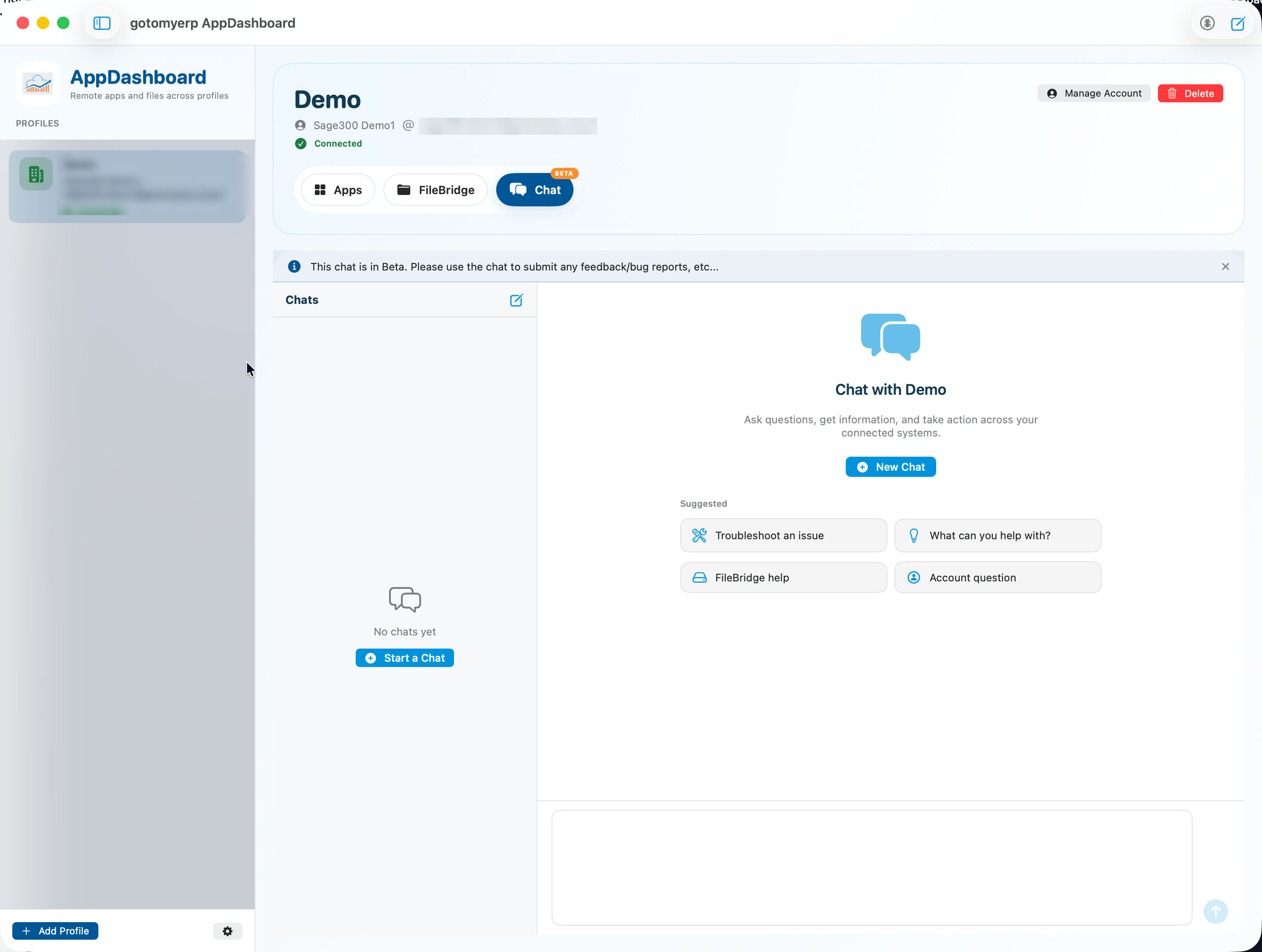
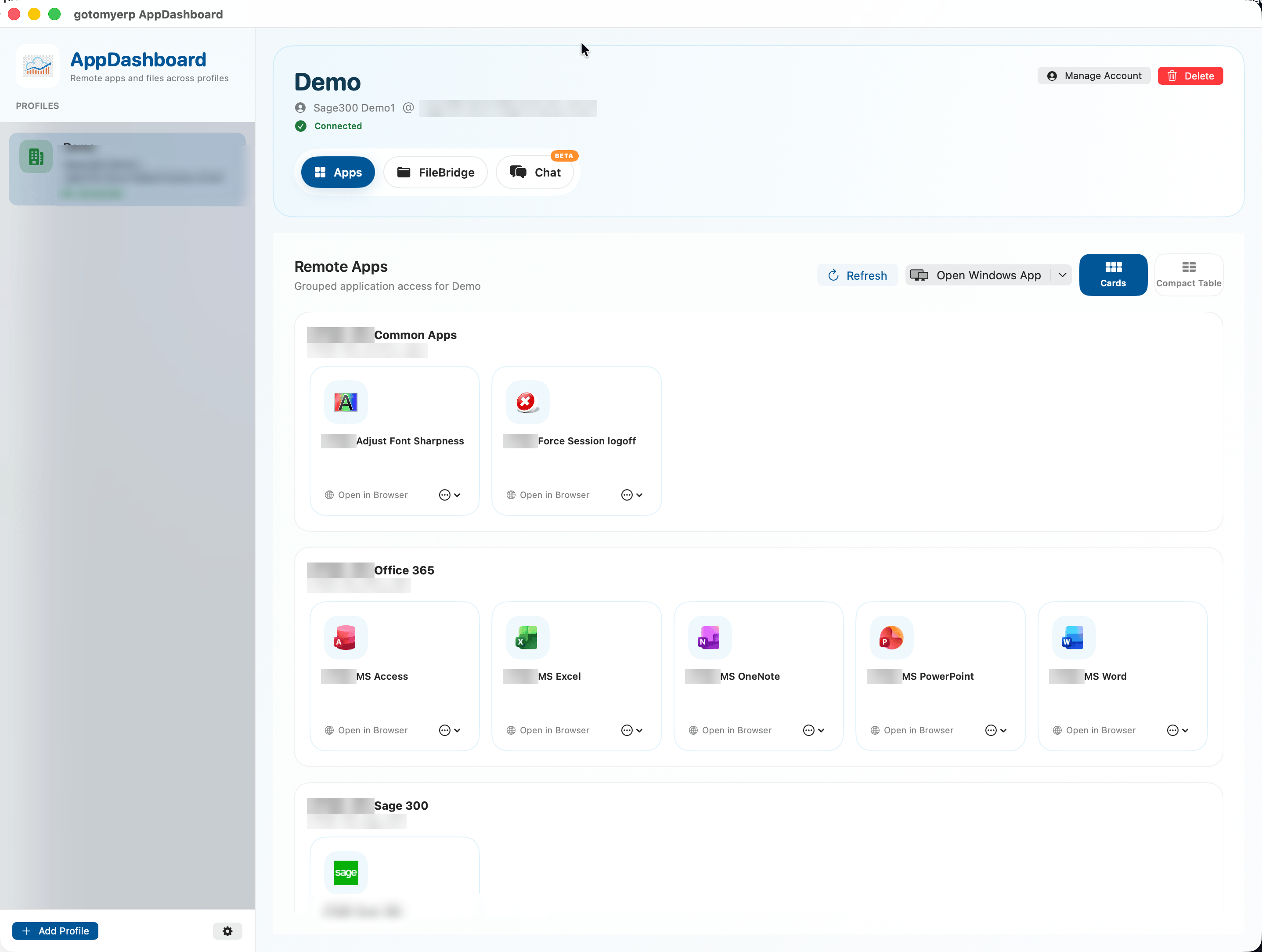
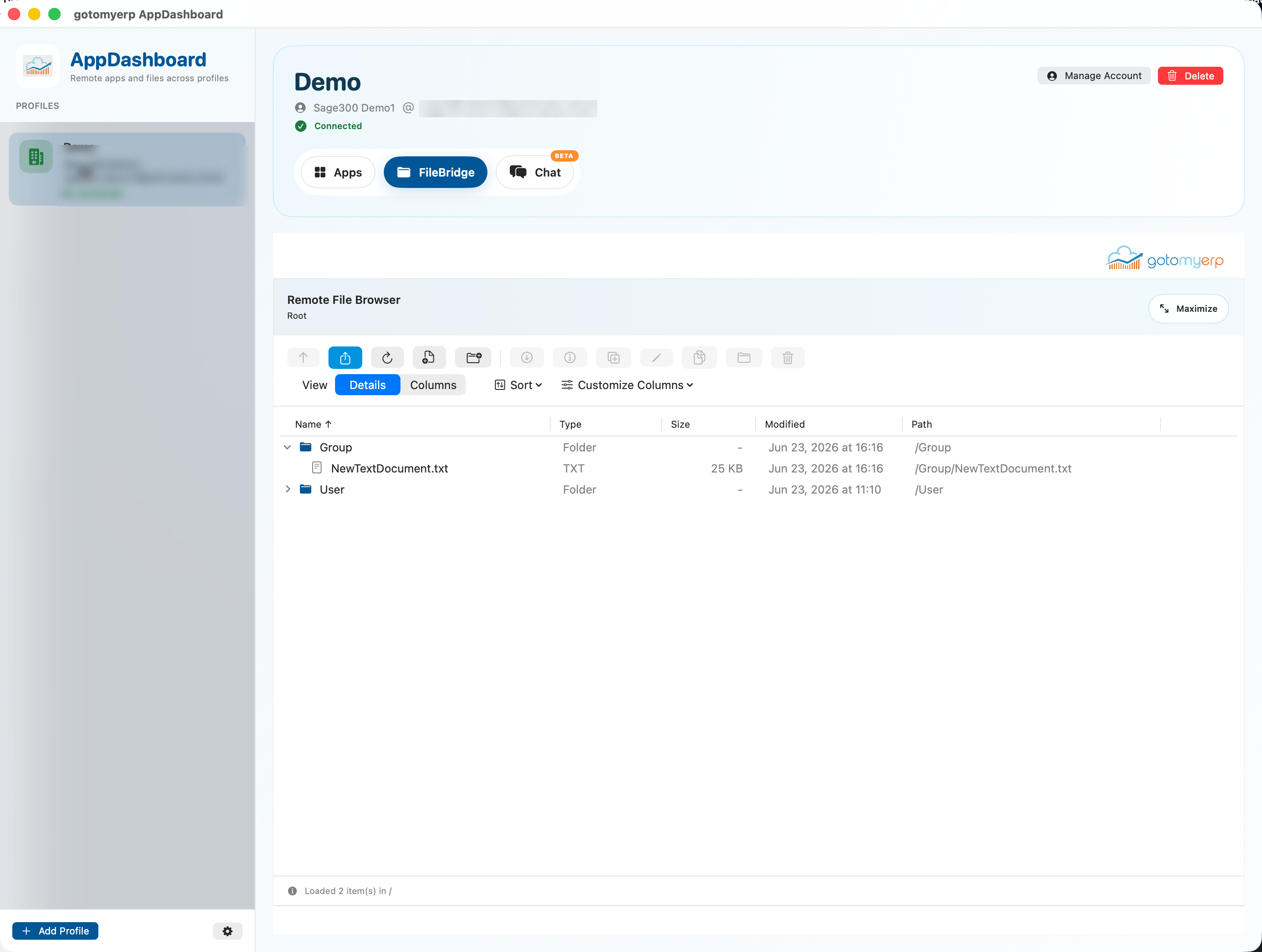
AppDashboard is a proprietary macOS app built by gotomyerp for its hosting customers to reach their hosted environment from one window: remote application sessions, a mounted file drive, and an embedded AI chat assistant. Customers sign in once, switch between work profiles, browse and edit files, launch their published apps, and ask the assistant for help — all without leaving the app.
Why it exists
gotomyerp customers were juggling a pile of disconnected tools to reach their hosted environment: one client for apps, a file explorer for shares, and yet another channel for support. AppDashboard consolidates them into a single, coherent experience with secure credential storage and inline, contextual help — purpose-built for the gotomyerp hosting platform rather than sold as a general product.
Who it's for
gotomyerp hosting customers who need reliable access to their hosted apps and files on macOS.
What it does
- Multiple work profiles with credentials kept in the system keychain
- Built-in file browser with drag-and-drop and in-place editing
- One-click launch of published remote applications
- Embedded streaming AI chat with markdown, image paste, and source links
- Guided setup, connectivity tests, and in-app diagnostics
- Accessible AppKit controls with keyboard navigation
How it works
Build activity
Active this monthLast update Sep 18, 2026 · 27 changes in the last 90 days · current release v1.0.1
Updated automatically from the project's build history. Last refreshed Oct 19, 2026.
What made it interesting to build
The trickiest work was separating the new dashboard shell from the older file-management engine it grew out of, without breaking what already worked. A subtle file-sync gotcha kept surfacing: right after an in-place save, the file server would briefly report a file as empty before catching up. The fix was to optimistically show the local size and date, then defer back to the server once it reported real numbers. Wiring up authentication, profile validation, and reconnection flows was a prerequisite before the app could even launch.